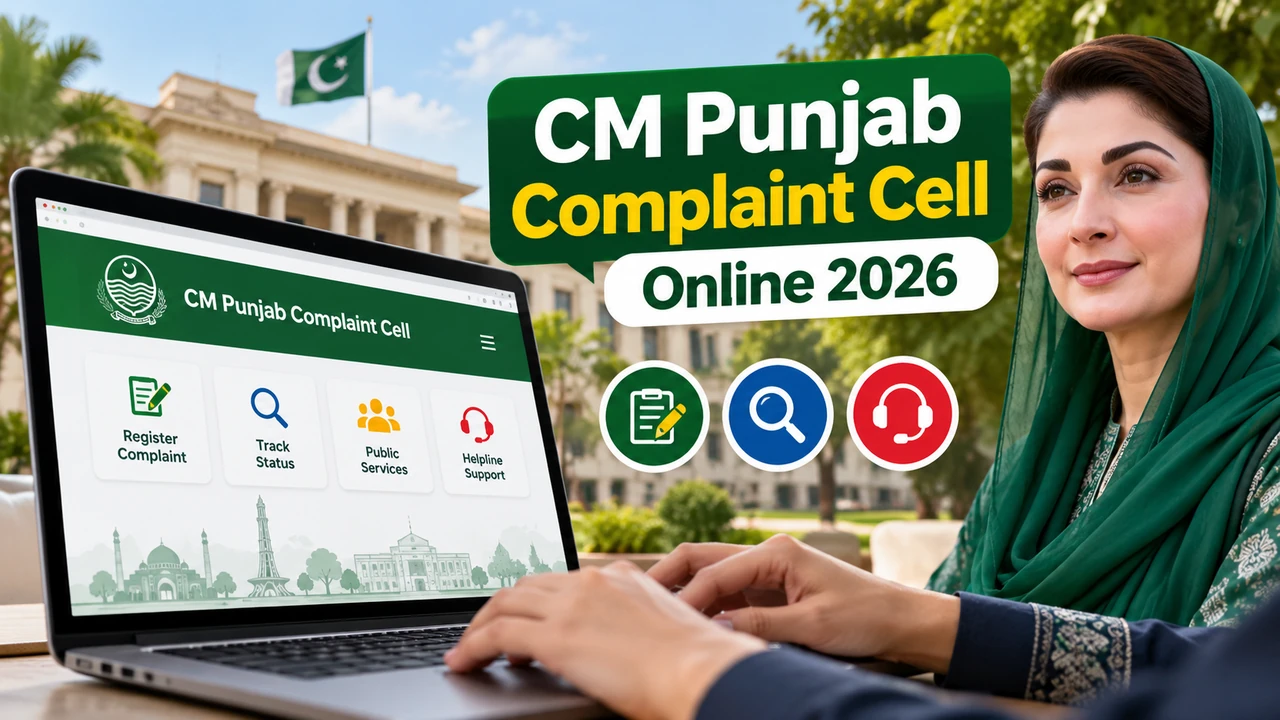
The CM Punjab Complaint Cell Online system lets citizens report government-department problems without repeated office visits. It can flag delays and local service issues.
This guide explains registration, tracking, preparation, and how to avoid unofficial websites. Verify details through official Punjab government channels first.
What Is the CM Punjab Complaint Cell?
It is a grievance-reporting system for public-service concerns in Punjab, giving a central route for government-department complaints.
It may cover healthcare, education, police, utility services, and municipal administration, with complaints going to the relevant department.
However, submitting a complaint does not guarantee a particular outcome or resolution time. The result depends on the issue, the department, and the applicable procedures.
How to Register a Complaint Online in 2026
Online filing helps you give complete information and keep a record. Confirm the current process officially.
- Open the official portal: Visit the reported CM Punjab Complaint Cell portal after confirming it is an authorized government website: https://crm.punjab.gov.pk/cmccpublic
- Sign in or register: Follow the portal instructions. You may need identification and a working mobile number.
- Start a new complaint: Look for the submit or register option, if available.
- Choose the department: Pick the category that best matches your problem.
- Explain the issue: Say what happened, where it happened, and when it started, with relevant details only.
- Attach supporting evidence: If allowed, add useful documents, photographs, bills, or receipts.
- Submit and save the reference number: Keep any confirmation or tracking number for follow-ups.
Check the portal for its latest instructions.
Other Ways to Submit a Complaint
Online registration may not suit everyone. The source also mentions a telephone helpline, a mobile application, and SMS.
The source helpline is 0800-02345. Confirm it is active and officially authorized before calling, and check apps through official sources.
Do not send CNIC or personal details by SMS unless the government has confirmed the service, number, and format.
How to Check CM Punjab Complaint Status
Keep the reference number safe. If online tracking is available, follow these steps:
- Open the verified complaint portal.
- Sign in with the details requested.
- Find the tracking or status section.
- Enter your complaint reference number if required.
- Read the latest status and follow the instructions.
Complaints may stay under review while the department examines them. Check for updates, reply promptly if asked, and use a verified channel if no tracking appears.
Documents and Information to Prepare
Gather this information before starting:
- A valid CNIC, if required.
- An active mobile number, if needed.
- A clear explanation of the problem.
- The relevant date and location.
- Supporting photographs, bills, or receipts, where applicable.
Only share information requested through an authorized channel. Avoid unrelated documents and unnecessary personal details.
Which Complaints Are Suitable?
It covers public-service and government-department concerns. Private disagreements, federal matters, and court cases may need different channels.
Check the responsible authority before submitting. A clear explanation and the right department can prevent delays.
How to Avoid Fake Complaint Websites
Protecting personal information matters online.
- Verify the website address through an official Punjab government source.
- Never pay an unofficial agent promising guaranteed or faster resolution.
- Do not share verification codes or passwords with strangers.
- Avoid unofficial applications and suspicious links requesting your CNIC.
- Save your submission confirmation and records.
A .gov.pk address can help with verification, but always confirm the specific website is authorized.
Frequently Asked Questions
Is the CM Punjab Complaint Cell free?
The source describes registration and tracking as free. Confirm the policy officially, and beware unofficial fees.
Which helpline number is mentioned for complaints?
The source lists 0800-02345; verify it officially before relying on it.
Can I track my complaint online?
If the portal supports tracking, use your submission reference number and follow its instructions.
What should I do if my complaint receives no update?
Check the tracking information and contact the relevant department through a verified channel. Keep your reference number and records available.
Final Words
The system offers a possible route for public-service concerns without repeated office visits. Explain clearly, add evidence, save your reference number, and check updates. Verify the portal and contact details before sharing personal information.